

Description
PageForge is the fastest way to build programmatic SEO pages in WordPress.
Upload a CSV. Build a template. Generate hundreds — or thousands — of unique, SEO-optimized landing pages in minutes. No coding. No manual copy-paste. No expensive developer.
Whether you need city landing pages, service area pages, product pages, or location-based SEO content at scale, PageForge handles it all directly inside your WordPress dashboard.
Used by SEO agencies, local businesses, franchises, and affiliate marketers who need results — not just more plugins.
Why PageForge?
Most WordPress sites leave thousands of long-tail SEO opportunities on the table because building pages one-by-one doesn’t scale.
PageForge solves that. One CSV. One template. Hundreds of unique, indexable pages — automatically.
- Free to use — core CSV page generation is completely free
- No coding required — works inside your existing WordPress editor
- AI-powered — connect your own OpenAI key for AI article content and meta generation
- Builder-friendly — works with Gutenberg, Elementor, and Divi
- SEO plugin ready — syncs with Yoast SEO and Rank Math automatically
How It Works
Step 1 — Upload your CSV
Add any CSV with column headers like City, State, Service, Zip, or your own custom fields.
Step 2 — Build your template
Write your page content once using dynamic placeholders like {City}, {Service}, {State}. Add a title pattern and a slug pattern.
Step 3 — Generate at scale
Click generate. PageForge creates a unique page for every CSV row — with its own title, URL slug, content, and SEO meta — published or saved as draft.
Step 4 — Optional: Let AI write the content
Connect your own OpenAI API key and use {AI:Article} to generate unique AI content for every page automatically.
Core Features (Free)
CSV to WordPress Pages
Upload a CSV and use its column headers as dynamic variables inside your page template. Every row becomes its own page with unique content.
Common use cases:
- City landing pages —
Plumber in {City}, {State} - Service area pages —
Roof Repair in {City} - Neighborhood pages —
Best Dentist in {Neighborhood} - Product location pages —
Buy {Product} Near {City} - Multi-location business pages
- Directory and listing pages from spreadsheet data
- Long-tail affiliate SEO page sets
Dynamic Placeholder System
Use any CSV header as a {Placeholder} in your content, title, slug, or meta fields. Placeholders replace automatically at generation time with the matching CSV row value.
Reusable Templates
Build one template and reuse it across multiple CSV campaigns. Clone existing base layouts and inject placeholder tokens into the generated output.
AI Content and SEO Tools (Bring Your Own Key)
AI features require your own OpenAI API key — you pay OpenAI directly with no markup.
- Generate unique article content with
{AI:Article} - Auto-generate SEO meta titles and meta descriptions per page
- Plan your entire site structure with the AI Site Planner
- Generate draft blog or support content
SEO Meta Automation
- Outputs SEO title and meta description for every generated page
- Syncs supported meta values to Yoast SEO fields
- Syncs supported meta values to Rank Math fields
- Schema markup output for generated pages
- Works without any SEO plugin if needed
Bulk Generation Options
- Generate as Pages, Posts, or PageForge Pages
- Save as draft or publish immediately
- Duplicate prevention by slug
- Download sample CSV to get started instantly
- Native PageForge Sitemap block and shortcode for internal linking across generated pages
Free vs Pro
Free Plugin
Everything you need to run powerful CSV-based programmatic SEO campaigns inside WordPress.
Includes:
- CSV upload and bulk page generation
- Dynamic placeholders —
{City},{State},{Service}, and any CSV header - Reusable templates and base layout cloning
- Page, Post, and PageForge Page generation
- AI content generation (bring your own OpenAI key)
- AI Site Planner (bring your own OpenAI key)
- AI Blog Generator (bring your own OpenAI key)
- Shortcodes, schema output, and SEO meta support
- Native PageForge Sitemap block for city-wise internal links
- Yoast SEO and Rank Math sync
- Optional Pexels image support (bring your own Pexels key)
Pro
Built for agencies and site owners running large-scale SEO campaigns who need automation, scheduling, and advanced AI workflows.
Pro features include:
- Auto SEO page scheduling — generate and publish on autopilot
- Google Sheets live sync — connect a live sheet as your data source
- AI Post Generator with advanced prompts
- Bulk AI Meta Optimization across existing pages
- Auto meta tag generation at scale
- Custom post type support
- Advanced schema markup
- HTML Snippet Injector
- Email support
Commercial plan tiers:
- Starter — 1 site, up to 500 pages
- Professional — 5 sites, unlimited pages
- Enterprise — Unlimited sites, unlimited pages
Get PageForge Pro | View Pricing
Who Uses PageForge?
Local SEO Agencies
Run city-by-city, service-by-service campaigns for clients. Scale page creation from hours to minutes.
Local Businesses and Franchises
Create a dedicated landing page for every city, suburb, or neighborhood you serve — without hiring a developer.
Affiliate Marketers
Build large long-tail SEO page sets from product data, comparison pages, and niche keyword clusters.
E-Commerce Stores
Generate location pages, product-specific landing pages, and category pages from your product data.
Directory and Listing Sites
Create individual pages for every listing in your database using exported CSV data.
SEO Consultants
Deliver bulk page builds to clients faster with a repeatable, template-driven workflow.
Works With Your Existing Setup
- Gutenberg — works with the native WordPress block editor
- Elementor — clone Elementor layouts and replace placeholder tokens
- Divi — compatible with Divi-built base layouts
- Yoast SEO — auto-syncs generated meta title and meta description
- Rank Math — auto-syncs generated meta title and meta description
- WooCommerce — generate product and location pages from WooCommerce data exports
Video Tutorial
Watch the full step-by-step tutorial: build 1,000+ pages with PageForge from scratch.
More guides and documentation: PageForge Knowledgebase
External Services
PageForge can connect to optional third-party services when you provide your own API keys. No data is sent to these services without your configuration.
OpenAI
- Service: AI-powered text and content generation
- Use: AI content (
{AI:Article}), AI meta generation, Blog Generator, and AI Site Planner - Data Sent: Prompts may include page content, template text, brand context, and settings required to complete the request
- Terms: https://openai.com/policies/terms-of-use
- Privacy: https://openai.com/policies/privacy-policy
Pexels
- Service: Royalty-free stock photo search
- Use: Optional image search and featured image support for generated pages
- Data Sent: A keyword or content-based search query, plus your API key in the request header
- Terms: https://www.pexels.com/terms-of-service/
- Privacy: https://www.pexels.com/privacy-policy/
Google Analytics
- Service: Website traffic and event tracking
- Use: Optional analytics events sent to your own GA4 property
- Data Sent: Event name, page counts, and a hashed site URL when you configure your own Measurement ID and API Secret
- Terms: https://marketingplatform.google.com/about/analytics/terms/us/
- Privacy: https://policies.google.com/privacy
Privacy
PageForge does not collect, store, or transmit any user data to Codefreex or PageForge servers. Third-party API connections (OpenAI, Pexels, Google Analytics) are optional and only active when you configure your own API keys. Review the privacy policies of each service you connect.
Screenshots

Dashboard showing total pages generated, active templates, queue activity, and quick action shortcuts. 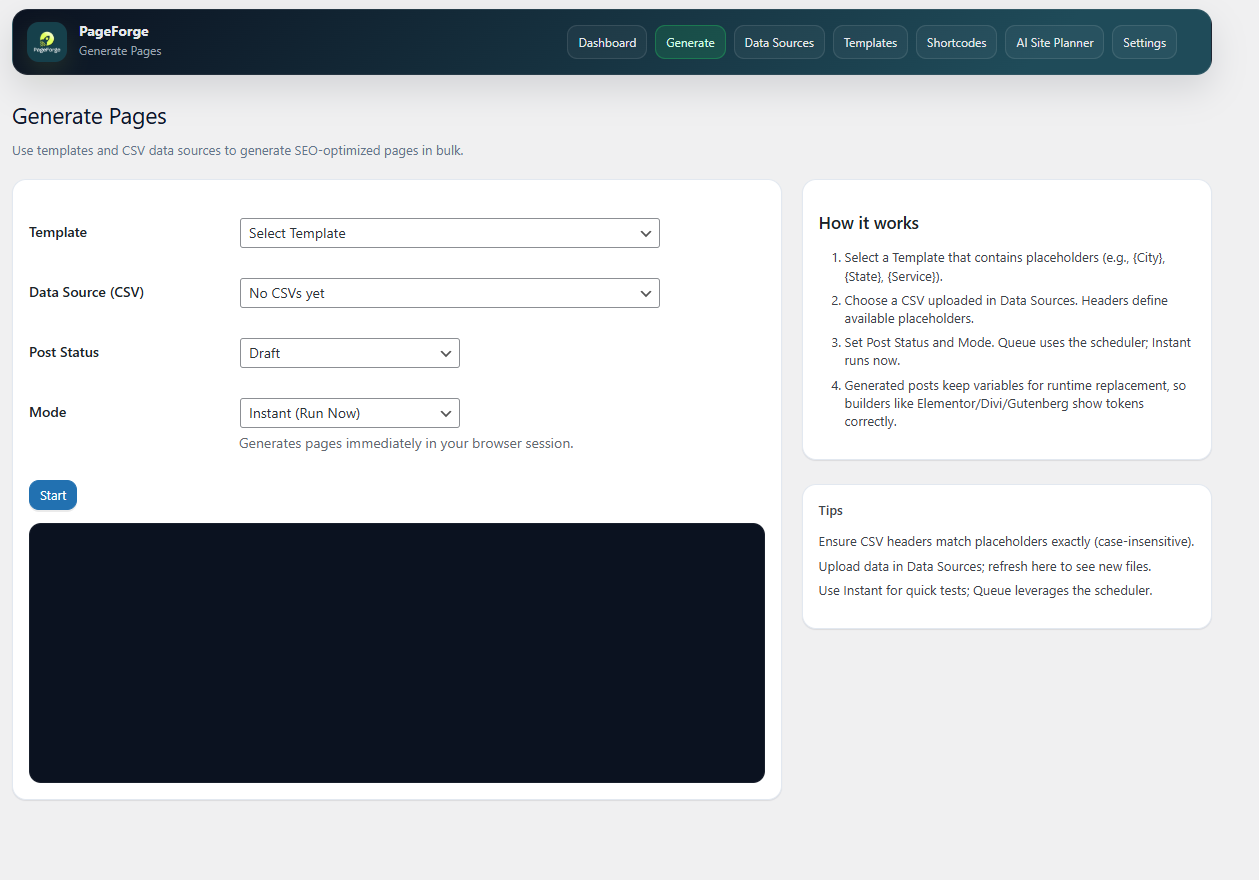
Generate Pages screen — select template, CSV data source, post status, and run bulk generation. 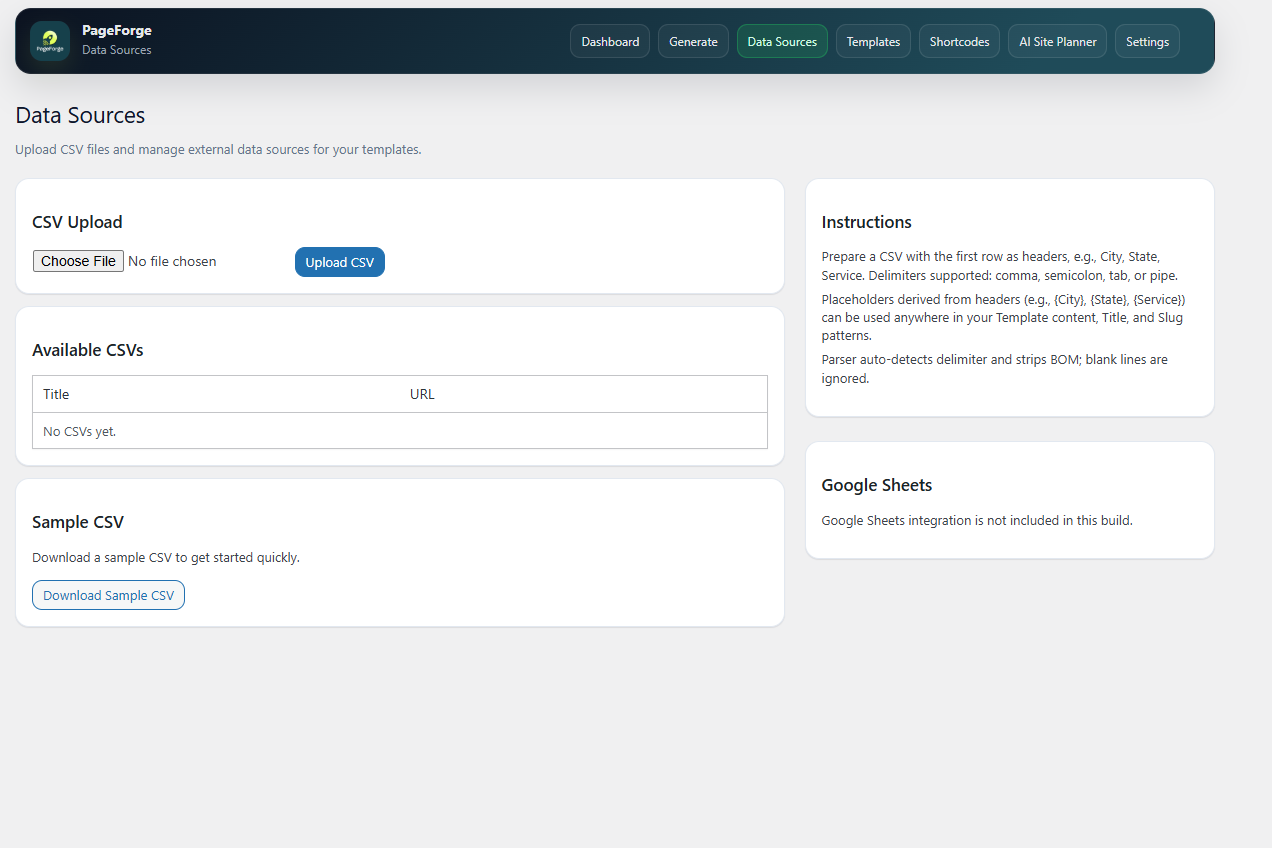
Data Sources screen — CSV upload, sample CSV download, and file management. 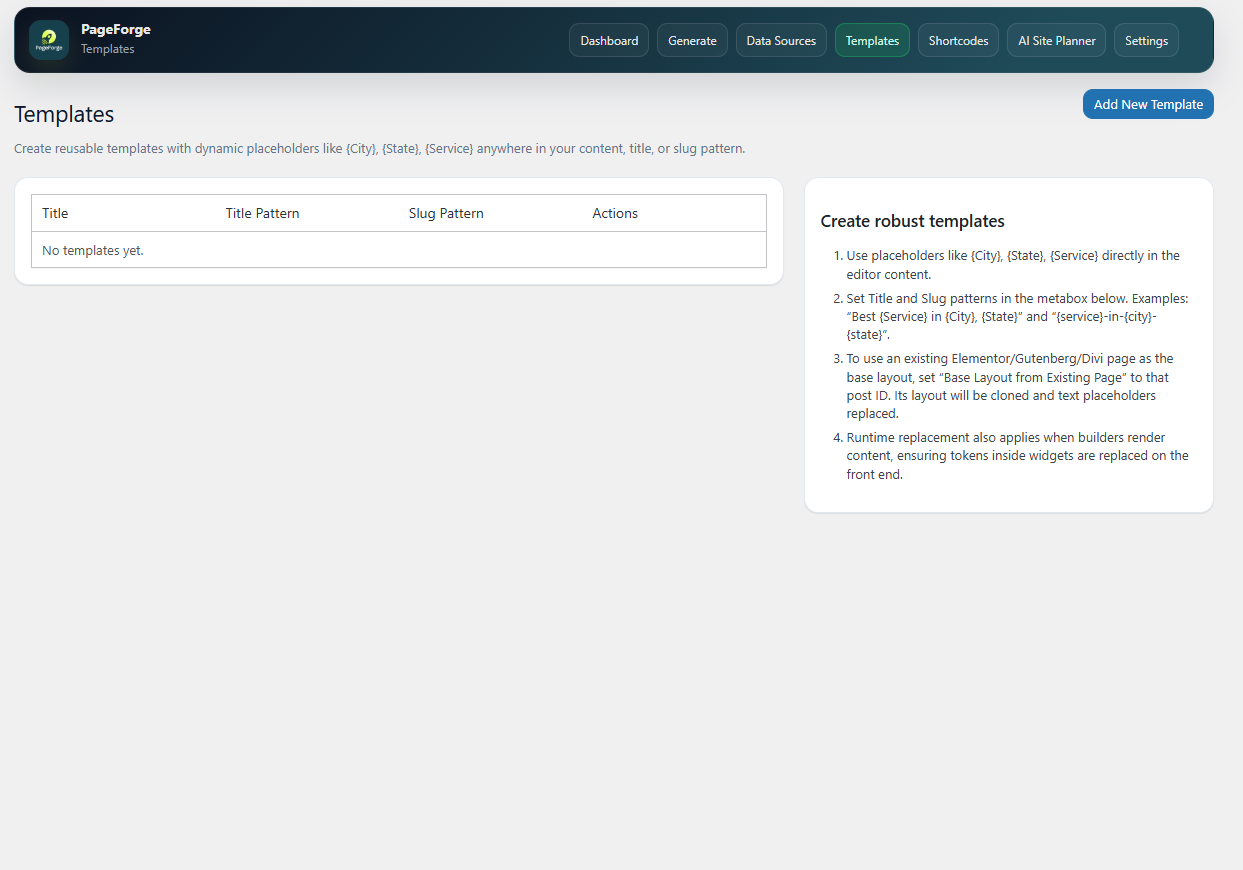
Templates screen — create and manage reusable page templates with title and slug patterns. 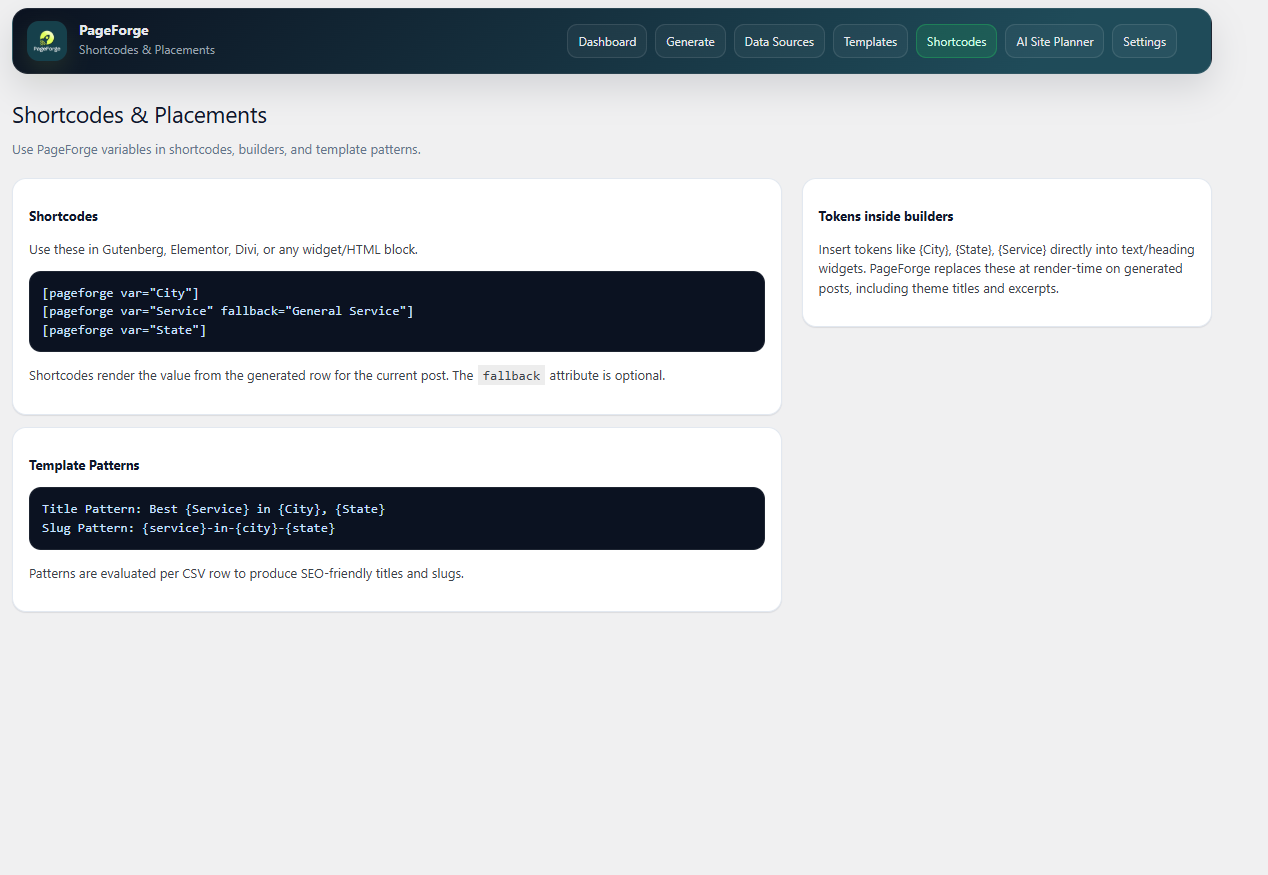
Blocks and Shortcodes — add the native PageForge Sitemap block, use sitemap shortcodes, and view placeholder examples. 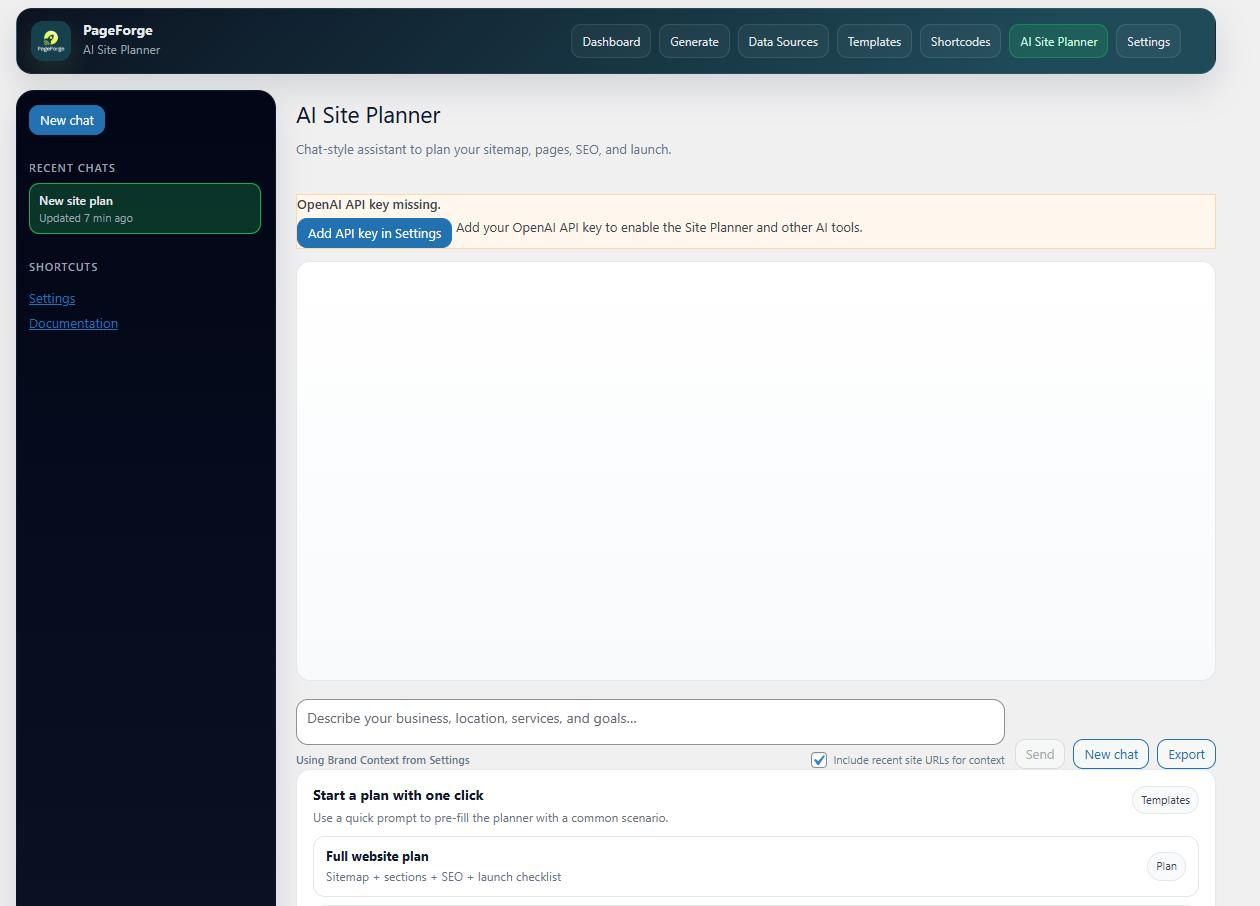
AI Site Planner — plan your site structure, SEO strategy, and content workflow using your own OpenAI key. 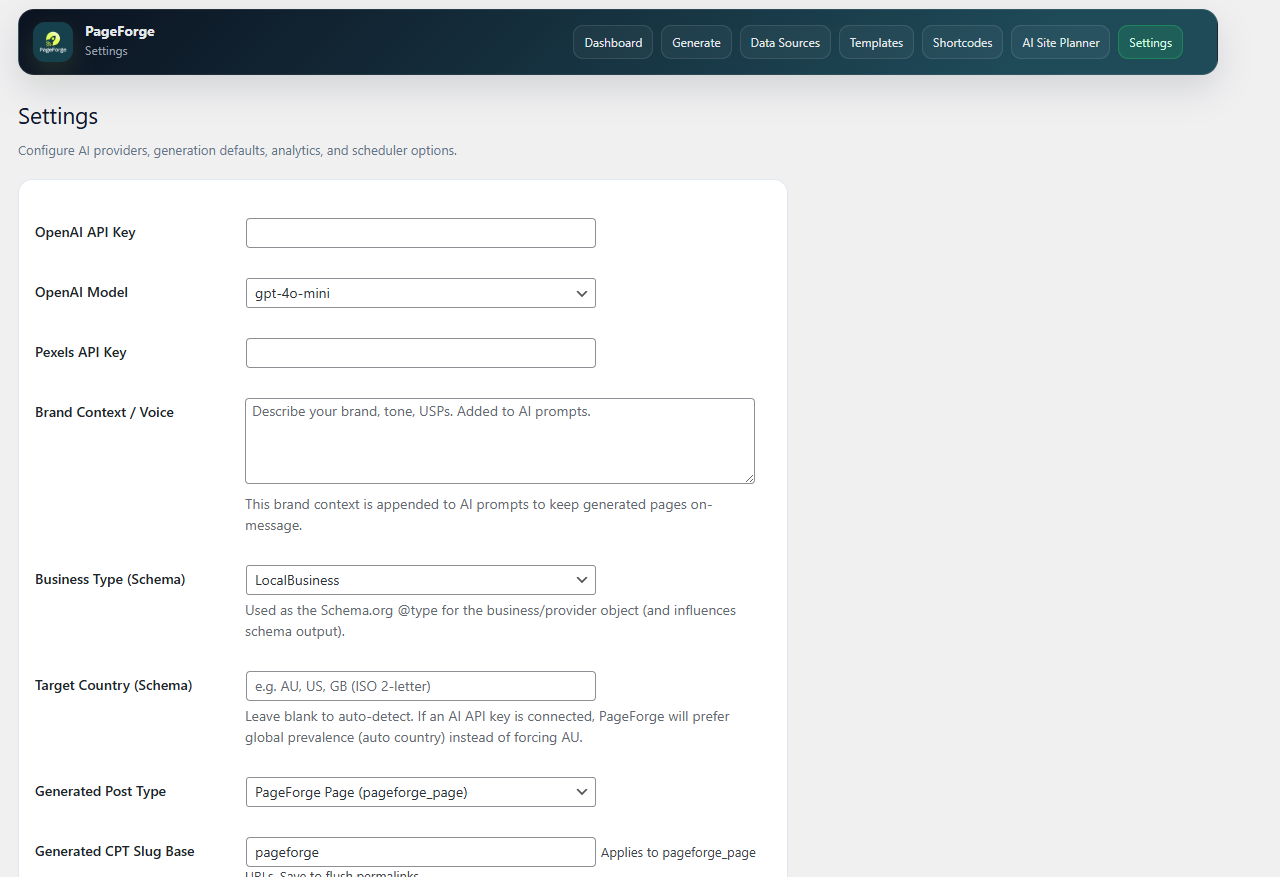
Settings screen — configure OpenAI, Pexels, schema, analytics, and generation options.
Blocks
This plugin provides 1 block.
- Sitemap
Installation
- In your WordPress admin, go to Plugins > Add New.
- Search for PageForge.
- Click Install Now, then Activate.
- Open the PageForge menu in your WordPress sidebar.
- Upload your CSV, build your template, and generate your pages.
You can download a sample CSV directly from the plugin’s Data Sources screen to get started immediately.
FAQ
-
What is programmatic SEO and how does PageForge help?
-
Programmatic SEO is the practice of generating large numbers of SEO-targeted pages from structured data instead of writing each page manually. Instead of writing 500 city landing pages by hand, you write one template and generate all 500 from a CSV.
PageForge is a WordPress plugin that makes programmatic SEO possible without any coding. Upload your data, set your template, and generate pages in bulk directly inside WordPress.
-
How do I generate pages from a CSV in WordPress?
-
Upload your CSV in the Data Sources screen, create a template using your CSV headers as placeholders like
{City}or{Service}, then click Generate. PageForge creates a unique WordPress page for each row in your CSV. -
How do the placeholders work?
-
Any column header in your CSV becomes a usable placeholder. If your CSV has a
Citycolumn, use{City}anywhere in your content, page title, or URL slug. PageForge replaces every{City}with the matching row value when generating each page. -
Can I create local SEO landing pages for many cities at once?
-
Yes. This is one of PageForge’s primary use cases. Create a template like
Best Plumber in {City}, {State}and generate a unique page for every city in your CSV. Each page gets its own URL, title, and content. -
Does PageForge work with Yoast SEO or Rank Math?
-
Yes. PageForge automatically syncs the generated meta title and meta description into Yoast SEO and Rank Math fields for each page. You do not need to manually set SEO meta on generated pages.
-
Do I need an OpenAI API key to use PageForge?
-
No. The core CSV page generation, template system, and bulk publishing features all work without any API key. You only need an OpenAI API key if you want AI-generated article content (
{AI:Article}), AI meta generation, or the AI Site Planner. -
Can I use PageForge with Elementor, Divi, or other page builders?
-
Yes. You can clone an existing builder layout as your base template and use PageForge shortcodes to output placeholder values inside your builder content. This lets you generate builder-styled pages at scale.
-
Will the generated pages create duplicate content issues?
-
The pages themselves are not duplicates — each row produces a unique URL and title. Content uniqueness depends on how different each row’s data is. Using strong template copy, row-specific data fields, and optional AI-generated content sections reduces similarity across pages significantly.
-
What post types can PageForge generate?
-
PageForge can generate standard WordPress Pages, Posts, or PageForge Pages (a custom post type included with the plugin). Pro users also get custom post type support.
-
Can I generate pages from Google Sheets?
-
Google Sheets live sync is available in PageForge Pro. The free plugin supports CSV file uploads directly inside WordPress.
-
How many pages can I generate?
-
The free plugin has no hard page limit for CSV-based generation. The number of pages you can practically generate depends on your server capacity and your CSV size. Pro plans include scheduling features for large-scale, automated generation.
-
Does PageForge support AI content generation?
-
Yes. Connect your own OpenAI API key and use the
{AI:Article}placeholder in your template. PageForge generates unique AI-written content for that section on every page. You pay OpenAI directly — there is no API markup inside PageForge. -
Can I prevent PageForge from creating duplicate pages?
-
Yes. PageForge checks existing slugs before generating pages and skips rows that would create duplicate URLs. This protects your site when re-running a generation campaign on updated CSV data.
-
Does PageForge add schema markup to generated pages?
-
Yes. PageForge includes schema output for generated pages. Additional schema options are available in Pro.
-
Can I use PageForge for affiliate SEO pages?
-
Yes. Many affiliate marketers use PageForge to generate long-tail keyword clusters, comparison pages, and product landing pages from structured data. Any CSV you can build, PageForge can turn into pages.
-
Is PageForge suitable for e-commerce product pages?
-
Yes. Export your product data as CSV and use PageForge to create location-specific product pages, landing pages for product variants, or city-targeted shopping pages.
-
What happens if my CSV header names don’t match my placeholders?
-
Placeholders are case-sensitive and must match your CSV header exactly. A column named
cityneeds the placeholder{city}. A column namedCityneeds{City}. Check for hidden spaces in CSV header rows if placeholders are not resolving. -
Does PageForge slow down my WordPress site?
-
PageForge generates pages as a batch operation in the admin. Generated pages are standard WordPress pages — they do not add any frontend overhead beyond what a normal page would create. The plugin does not load any scripts or styles on your public-facing site for visitors.
-
Can I delete or regenerate pages later?
-
Yes. Generated pages are standard WordPress content and can be edited, trashed, or deleted like any other page. You can re-run generation from an updated CSV at any time. Duplicate prevention prevents re-creating pages with existing slugs.
-
Does this plugin work on WordPress multisite?
-
PageForge is designed for single-site WordPress installations. Multisite compatibility is not guaranteed in the current version.
-
Where can I get support?
-
For free plugin support, use the WordPress.org support forum. Pro plan users receive email support. For documentation, tutorials, and guides, visit the PageForge Knowledgebase.
Reviews


Contributors & Developers
“PageForge – Programmatic and Local SEO Page Generator” is open source software. The following people have contributed to this plugin.
Contributors
Translate “PageForge – Programmatic and Local SEO Page Generator” into your language.
Interested in development?
Browse the code, check out the SVN repository, or subscribe to the development log by RSS.
Changelog
1.0.8
- Added a native PageForge Sitemap block with city/state/service grouping, columns, counts, colors, and shortcode parity.
- Improved the Blocks and Shortcodes admin screen for free-feature usage without premium analytics.
- Improved base layout cloning for Elementor, Gutenberg, and Divi by copying builder layout metadata.
- Improved runtime token replacement for builder output, blocks, widgets, titles, excerpts, and SEO meta strings.
1.0.7
- Updated WordPress.org readme, keyword targeting, and plugin listing copy.
1.0.6
- Added tutorial links and minor fixes.
1.0.5
- UI improvements and minor bug fixes.
1.0.4
- Maintenance release and internal version bump.
1.0.3
- Removed custom script insertion features to comply with WordPress.org repository guidelines.
1.0.2
- WordPress.org public release.
1.0.1
- Initial release with CSV support, template tokens, and AI-assisted generation.