
Description
Blockshifter is a growing toolbox of display modes for native Gutenberg blocks — no new block types, no leaving the block editor, no learning curve.
Pick a block you already use — Gallery, Group — flip a toggle in its Inspector, and its front-end output transforms. The block itself stays 100% native and editable; nothing about how you write content changes.
Think of Blockshifter as a shape-shifter for your blocks: same content underneath, a different shape on the front end. Today it shifts into a Carousel or a Masonry grid; tomorrow more shapes join the same toolbox, each just as simple to switch on.
Carousel, live today
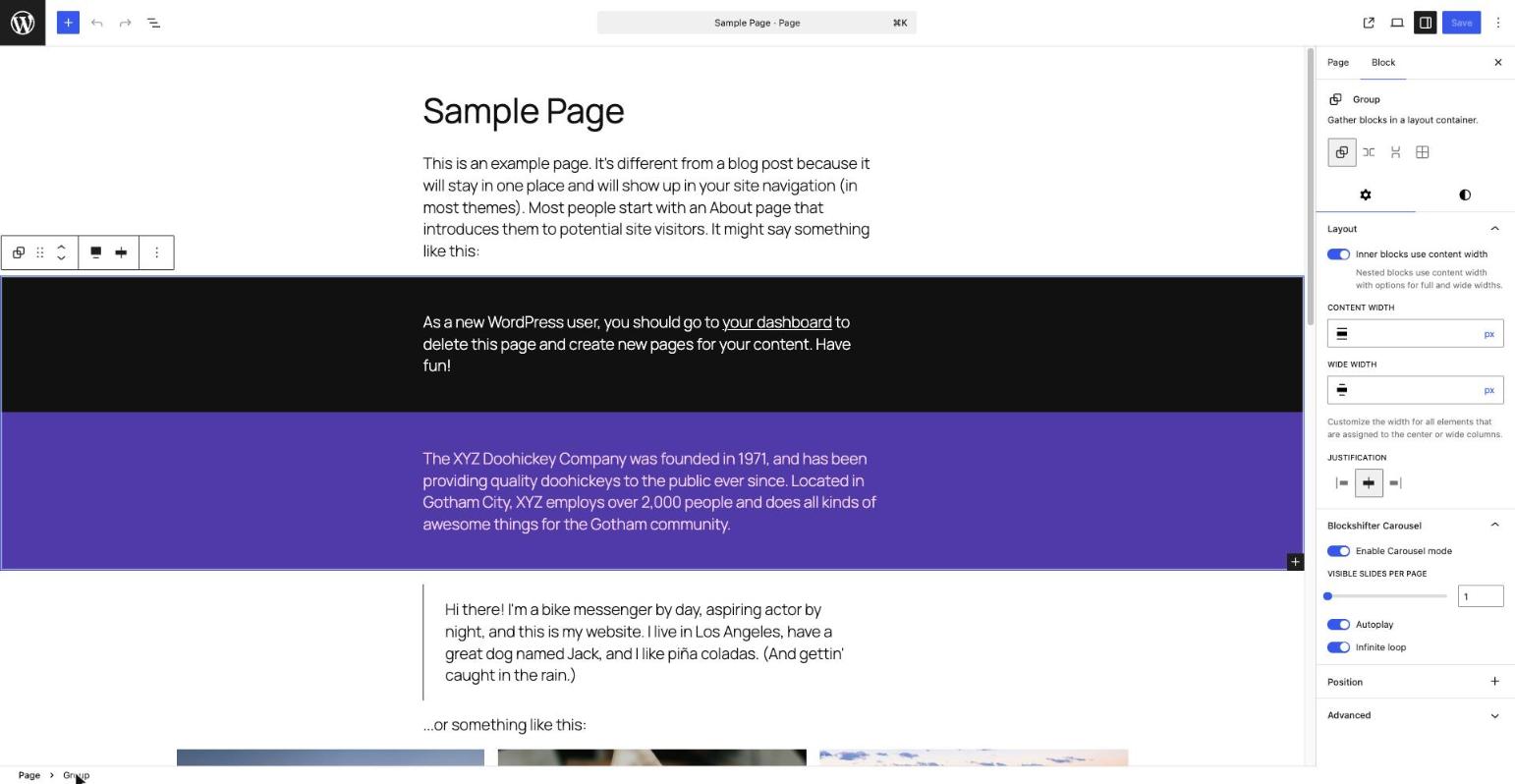
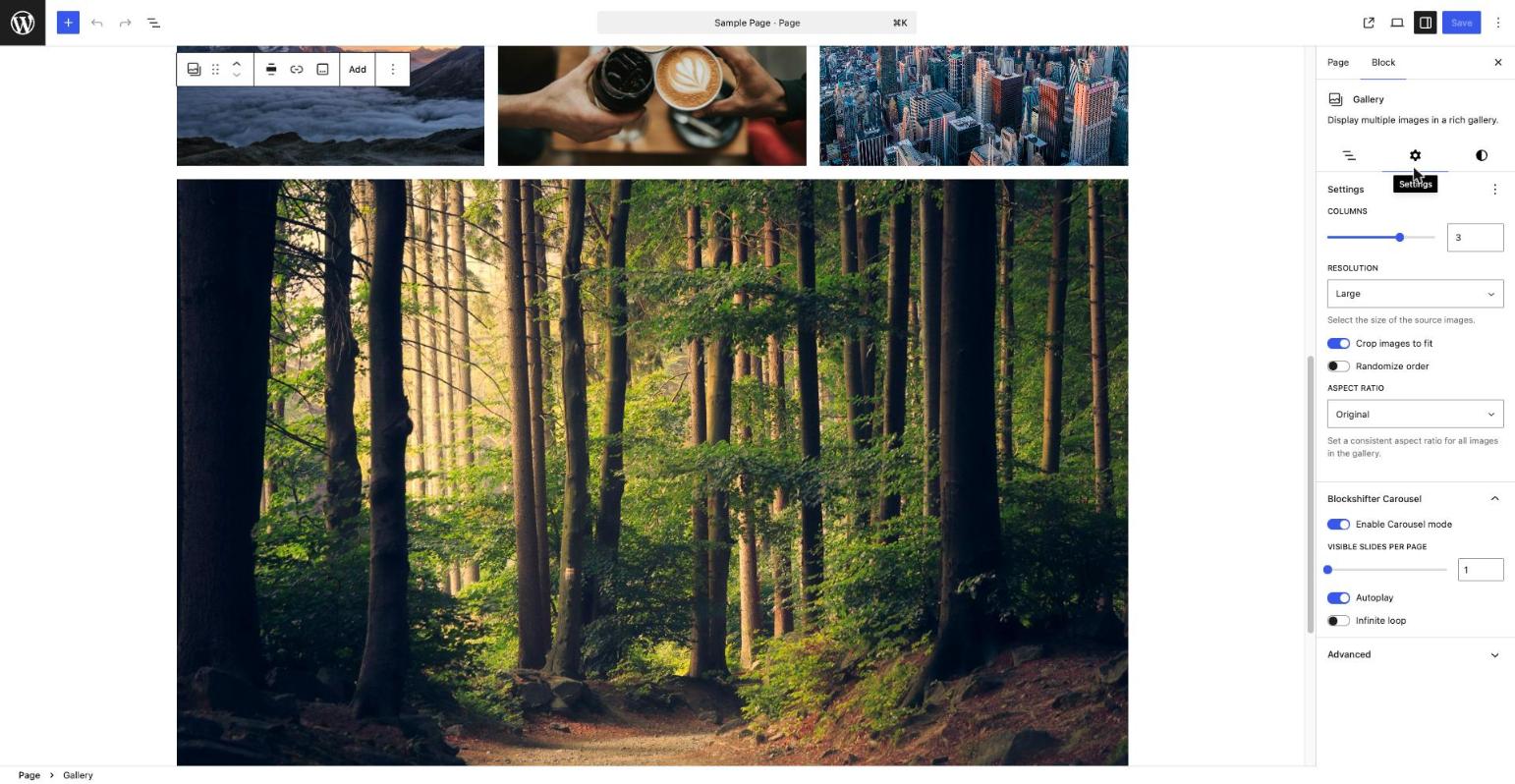
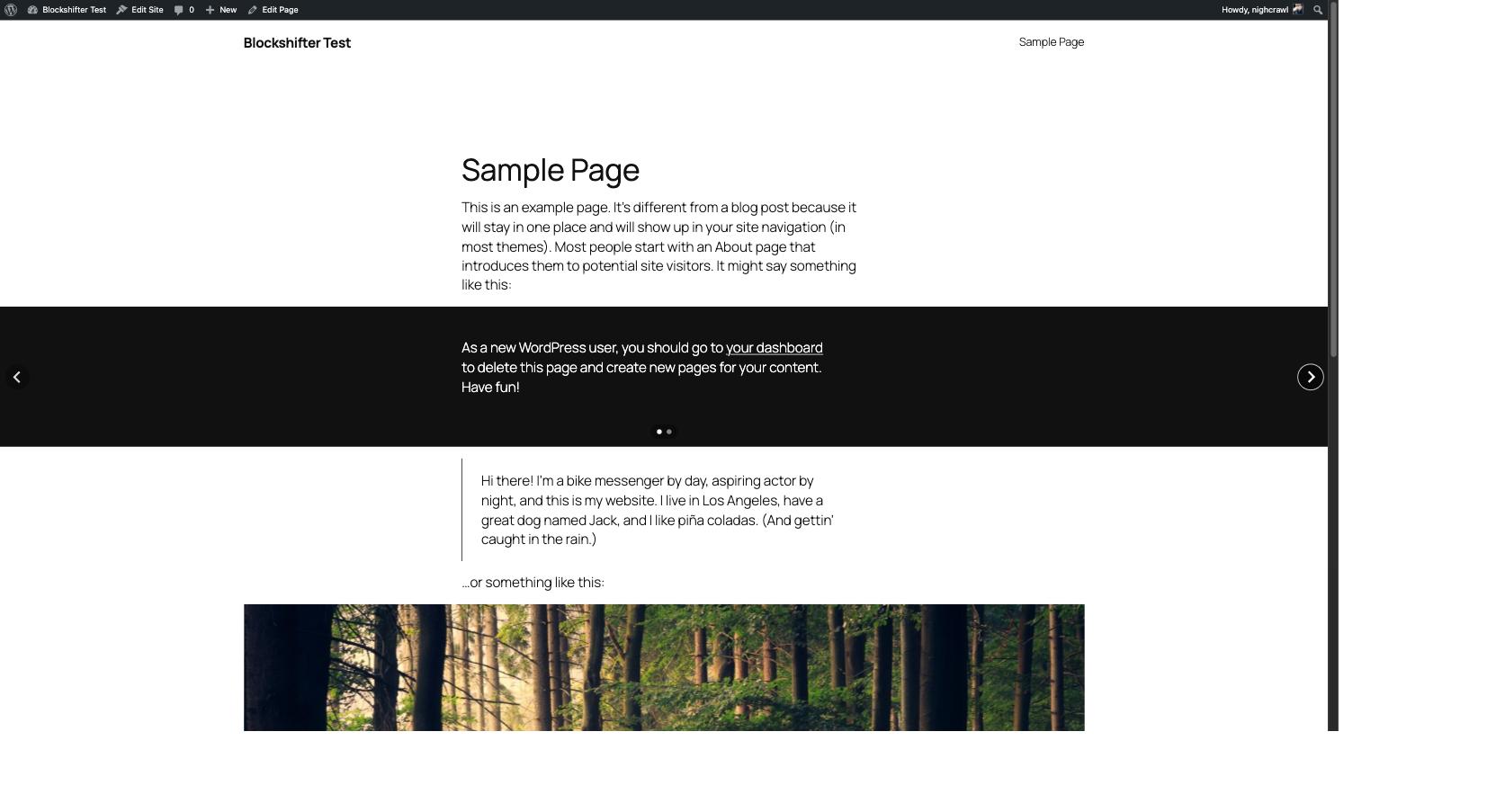
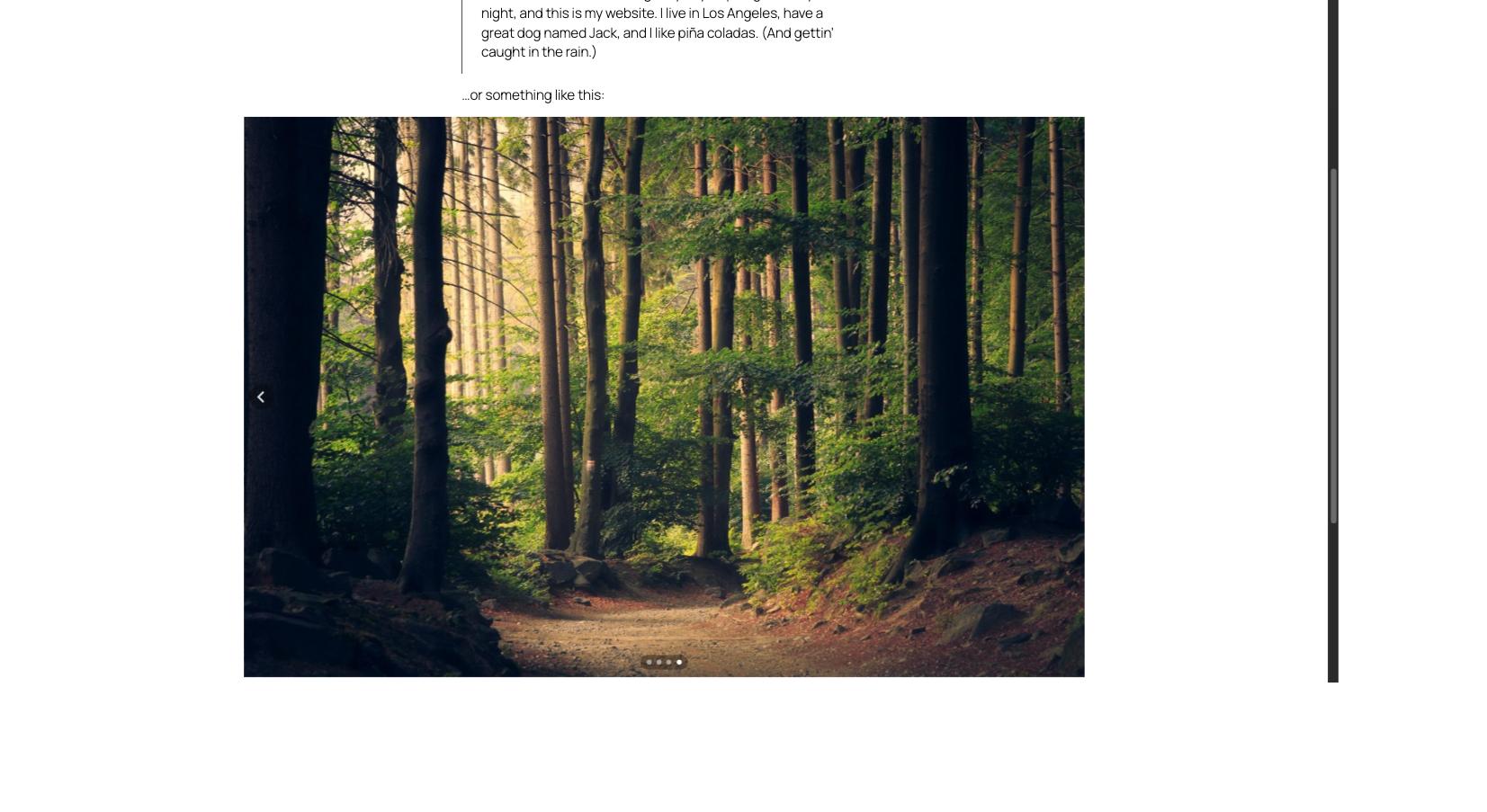
A clean, minimalist carousel for Gallery and Group blocks, powered by Splide.js — lightweight, accessible, dependency-free. Arrows and pagination are styled to sit quietly on top of your content, in any color, on any background.
- One toggle to turn a block into a carousel
- Slides per page
- Autoplay
- Infinite loop
- Fully responsive, keyboard and screen-reader friendly out of the box
Masonry, live today
A compact, variable-height masonry grid for Gallery and Group blocks, built with native CSS Grid — no third-party library. Every native Gutenberg setting stays in charge: Columns and Gap on Gallery, Gap on Group.
- One toggle to turn a block into a masonry grid
- Columns (Group only — Gallery keeps its own native Columns control)
- Respects each block’s native Gap and responsive behavior
- Degrades gracefully to a regular grid without JavaScript
More shapes are coming
Accordion and other display modes are on the roadmap. Every future module follows the exact same pattern you already know: pick a block, flip a toggle, done.
For developers
The list of blocks a module targets is filterable, so you can extend any module to other core blocks without forking the plugin — the filter name follows blockshifter/<module>/allowed_blocks:
add_filter( 'blockshifter/carousel/allowed_blocks', function( $blocks ) {
    $blocks[] = 'core/columns';
    return $blocks;
} );

add_filter( 'blockshifter/masonry/allowed_blocks', function( $blocks ) {
    $blocks[] = 'core/columns';
    return $blocks;
} );
Development
Source code, build tools and issue tracker: https://github.com/nighcrawl/Blockshifter
The src/ directory contains the human-readable, unminified source for everything shipped in build/. See the repository’s README for the build steps (composer install && npm install && npm run build).
Screenshots
Installation
- Upload the plugin files to
/wp-content/plugins/blockshifter, or install the plugin through the WordPress plugins screen directly. - Activate the plugin through the ‘Plugins’ screen in WordPress.
- Select a Gallery or Group block in the editor, open the Inspector, and enable the “Blockshifter Carousel” panel.
FAQ
-
Can I use this on blocks other than Gallery and Group?
-
Not out of the box yet, but developers can extend any module’s target blocks via its
blockshifter/<module>/allowed_blocksfilter — see the Description above. -
Are other display modes (Accordion…) available?
-
Not yet — the current release ships with the Carousel and Masonry modules. More are planned.
-
Is this plugin free?
-
Yes, Blockshifter is completely free, with no premium tier at this time.
Reviews
There are no reviews for this plugin.
Contributors & Developers
“Blockshifter” is open source software. The following people have contributed to this plugin.
Contributors
Translate “Blockshifter” into your language.
Interested in development?
Browse the code, check out the SVN repository, or subscribe to the development log by RSS.
Changelog
0.2.0
- Adds Masonry, a second Blockshifter module: turns a Gallery or Group block into a compact, variable-height CSS Grid layout, with the same “pick a block, flip a toggle” pattern as Carousel.
- Gap and (on Gallery) Columns always come from the block’s own native Gutenberg settings — Masonry never duplicates them.
- Matches Gallery’s native responsive behavior (two columns on narrow screens, configured column count above) on both Gallery and Group.
- Degrades gracefully to a regular, non-overlapping grid without JavaScript.
0.1.0
- Initial release: Carousel, the first Blockshifter module, for the Gallery and Group blocks.